











A Throne Bet account is the personal space where your balance, bet history and settings live. Without signing in you can browse odds and fixtures, but you cannot place a bet, withdraw winnings or check whether a slip has settled. That is the practical reason registration exists: the platform has to know whose money is moving and whose ticket won.
Once you complete the Throne Bet login you get access to the full sportsbook - pre-match and live markets, your open slips, deposit and withdrawal tools, and the limits you can set on your own spending. Always start from the official website rather than a link forwarded in a group chat. Fake pages copy the design of real bookmakers closely, and the only thing they collect is your phone number and password. Betting is for adults only, 18+.
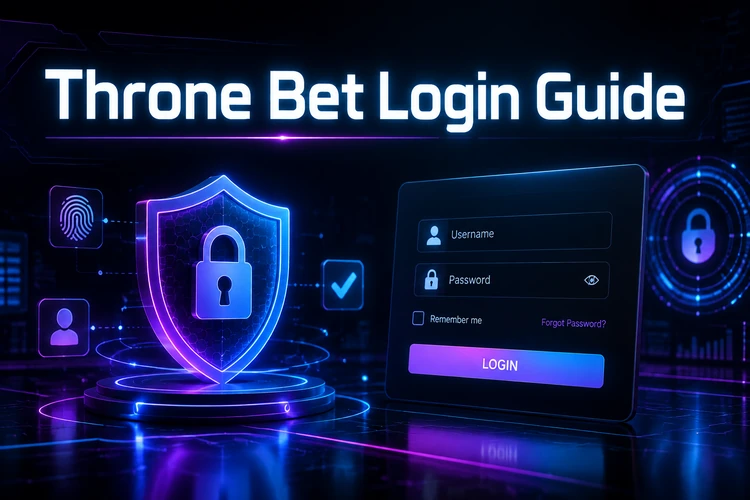
Throne Bet Login Guide
The sign-in form asks for two things: the identifier you registered with, usually your Tanzanian mobile number, and your password. Enter the number in the format the field expects - some players type a leading zero when the form already shows the country code, which produces a rejected number rather than a wrong-password error. If you registered with an email address, use that instead; the password stays the same either way.
After you are inside, take thirty seconds to check the account area before betting. Confirm the balance matches what you expect, look at whether any earlier slip is still open, and check that your phone number is current, because that is where password reset codes arrive. On a shared or borrowed phone, log out when you finish instead of leaving the session open.
- Step 1: Open the official site and tap the login button in the top menu.
- Step 2: Type the mobile number or email linked to your betting account.
- Step 3: Enter your password, checking that autocorrect has not capitalised the first letter.
- Step 4: Confirm and wait for the account page to load fully.
- Step 5: Check your balance, then move to the markets you want or review a pending bet slip.
How to Register on Throne Bet
Registration takes a couple of minutes. The form opens from the same area as the sign-in panel and asks for a mobile number, a password you choose yourself, and confirmation that you are of legal betting age. Some fields are optional at first and can be completed later from your personal account, but the phone number cannot be casually changed afterwards - it is the anchor for account recovery.
Enter real details. If verification is requested at withdrawal and the name on your account does not match the name on your mobile money wallet, the payout stalls until the mismatch is sorted out. Choose a password of at least ten characters mixing letters, digits and a symbol, and avoid the birthday-plus-name pattern that is easy to guess. After the account is created you are usually signed in straight away; if not, return to the login form and use the credentials you just set.
- Mobile number in Tanzanian format, active and in your own name.
- A password known only to you, not reused from social media.
- Confirmation of age and acceptance of the platform rules.
- Optional profile details such as full name and email for faster support.
Login Using the Throne Bet Mobile App
Most betting in Tanzania happens on a phone, and there are two routes. The Android app can keep your session active longer and may load familiar markets faster after the first visit. The mobile version of the site needs no installation and works on any device, including iPhones, which makes it the fallback when storage is tight. Credentials are identical - one account, either entry point.
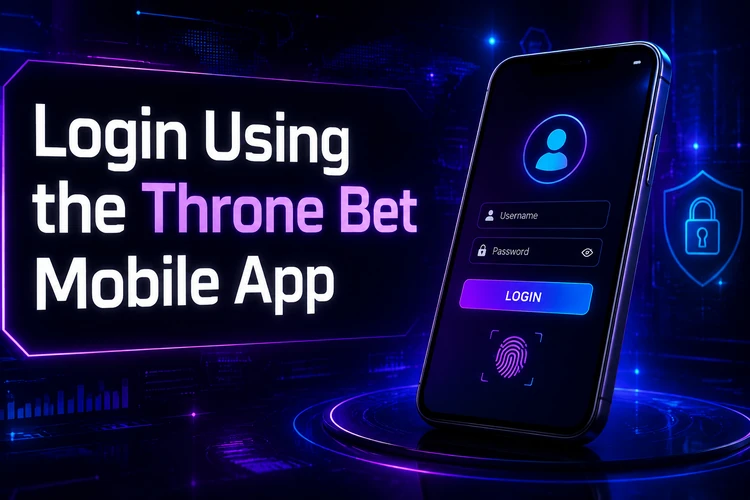
If you use the app, keep it updated. An outdated build can fail to reach the server after the platform changes something on its side, and the symptom looks like a login error even though your password is fine. Details on installing and updating the Android build are on the app page. Avoid saving your password in a browser on a phone that other people use, and never install an APK sent to you privately.
| Feature | Website login | App login |
|---|---|---|
| Installation | None needed | Android app required |
| Session | May end when browser data is cleared | May stay signed in longer |
| Device coverage | Works in a mobile browser | Designed for Android phones |
| Best use | Quick access on any device | Regular betting on your own phone |
Troubleshooting Login Problems
A forgotten password is the most common issue and the easiest to fix: use the "Forgot password?" link, request a reset code to your registered number, and set a new password. If the code does not arrive within a few minutes, check your network signal and that your inbox is not full, then request it once more rather than repeatedly.

An incorrect password message after several attempts sometimes triggers a short cool-down for security reasons, so wait rather than hammering the button. If pages hang or the site seems unavailable, try the mobile version, clear the browser cache, or switch between mobile data and Wi-Fi - a slow connection often breaks the sign-in request halfway. After changing phones, sign in from the new device with the same credentials; sessions do not transfer automatically, and if you no longer control the old number, contact support before you try to withdraw. Live scores and settlement questions can usually be answered on the results page without signing in at all.
Tips for Secure Account Access
Account security is mostly habit. Use a unique password, change it if you ever typed it on someone else's device, and never share it - no legitimate support agent will ask for it. Check the address bar before entering credentials, since phishing pages rely on players not looking. Log out on shared phones and internet cafés, and decline the browser prompt to remember the password there.
Keep your own spending in view as well. Deposit and time limits, plus self-exclusion tools, are described under responsible gambling, and they are worth setting up while you are calm rather than after a bad weekend of football. Betting is entertainment, not income, and the account belongs to one adult person only - 18+.
FAQ
Open the login form on the official site or in the Android app, enter the mobile number or email you registered with, then type your password. Once confirmed, your balance and open bet slips appear in the personal account area.
Open the registration form, provide an active Tanzanian mobile number, create a strong password and confirm that you are 18 or older. Use accurate personal details, because they may be checked during verification before a withdrawal.
Use the "Forgot password?" link on the sign-in form and request a reset code to your registered number. Enter the code and set a new password, then log in with it. If the code never arrives, check your signal and contact customer support.
Yes. One account works on both the Android app and the mobile version of the site, with the same login details. Sessions are separate on each device, so you may need to sign in again after switching phones.
An interrupted or outdated installation is a common cause. Reinstall the current version from the official app page and try again on a stable connection. If the problem persists, sign in through the mobile site while support reviews your account.
Use a password you do not reuse anywhere else, never share it with anyone, and log out on shared devices. Check that you are on the official address before entering credentials, and keep your registered phone number up to date so recovery codes reach you.